When should you consider iPhone XR battery replacement?
Consider an assessment when runtime has become inconvenient, the phone shuts down unexpectedly or its battery information recommends service. These are reasons to investigate, not proof that every problem will disappear with a new battery.
Apple explains how battery aging can affect capacity and performance in its battery and performance guide. On the XR, open Settings, then Battery, and review Battery Health or Battery Health & Charging, depending on the installed software.
Record the capacity reading and any service message. Also note whether the problem appears during heavy use, while idle or after charging. Bring these observations to the repair appointment rather than requesting a replacement based only on the phone's age.
What does the battery-health percentage tell you?
Maximum capacity compares the battery's capacity with its original level; it is not the charge percentage shown in the status bar. Reduced capacity can help explain shorter use between charges, but the number is only one part of the assessment.
Check Settings > Battery for the usage pattern as well. An app or a change in how you use the phone can affect runtime. Ask the provider whether testing points to battery wear, charging trouble or another fault.
Save a screenshot of the health information and write down a typical day's charging needs. A concrete description such as needing an extra charge before the end of the workday is more useful than a general complaint that the battery is bad.
Where can you get an iPhone XR battery replaced?
Use Apple's iPhone service page to check the options currently available for your XR and location. Apple describes in-person and mail-in service, with availability depending on the device, location and parts.
When comparing an independent repair shop, ask about the exact battery, technician experience, repair warranty and what information will appear in Settings afterward. Do not assume every shop advertising iPhone repairs has XR parts in stock.
Call before visiting and give the model and fault description. Ask whether an assessment is required, how long it is expected to take and what happens if additional damage prevents a straightforward battery service.
How much does iPhone XR battery replacement cost in the US?
Get a current model-specific estimate. Apple's service page includes a price estimator, but the final quote follows inspection. Tax, shipping and additional damage may affect the amount; authorized providers can set their own out-of-warranty fees.
For each quote, ask:
- Is this for an iPhone XR specifically?
- What battery and repair process are included?
- Are labor, tax and any delivery costs included?
- Would a damaged screen or other fault change the job?
- What warranty covers the completed repair?
If you have active AppleCare coverage, check your eligibility with Apple rather than assuming the replacement is free. Apple advertises covered battery service when capacity falls below 80%, subject to the applicable plan and assessment.
This guide does not publish an unverified fixed XR price. Keep a written quote and compare the complete repair cost with the alternatives you are considering.
Are genuine batteries and repair messages important?
Ask what part the provider will install. Apple recommends trained technicians and genuine parts for reliable battery service. Its genuine iPhone battery guidance explains possible problems with unsuitable or unverified batteries.
On supported software, an XR can show battery-related parts information under Settings > General > About. An Unknown message can have several causes, so ask the repairer to explain any message rather than using it alone to diagnose the installation.
Get the agreed part description and repair warranty on the receipt. If the provider promises a particular Settings result, ask them to demonstrate it after service. Avoid treating a high advertised capacity or a vague premium label as proof of the part's origin.
Can you replace an iPhone XR battery yourself?
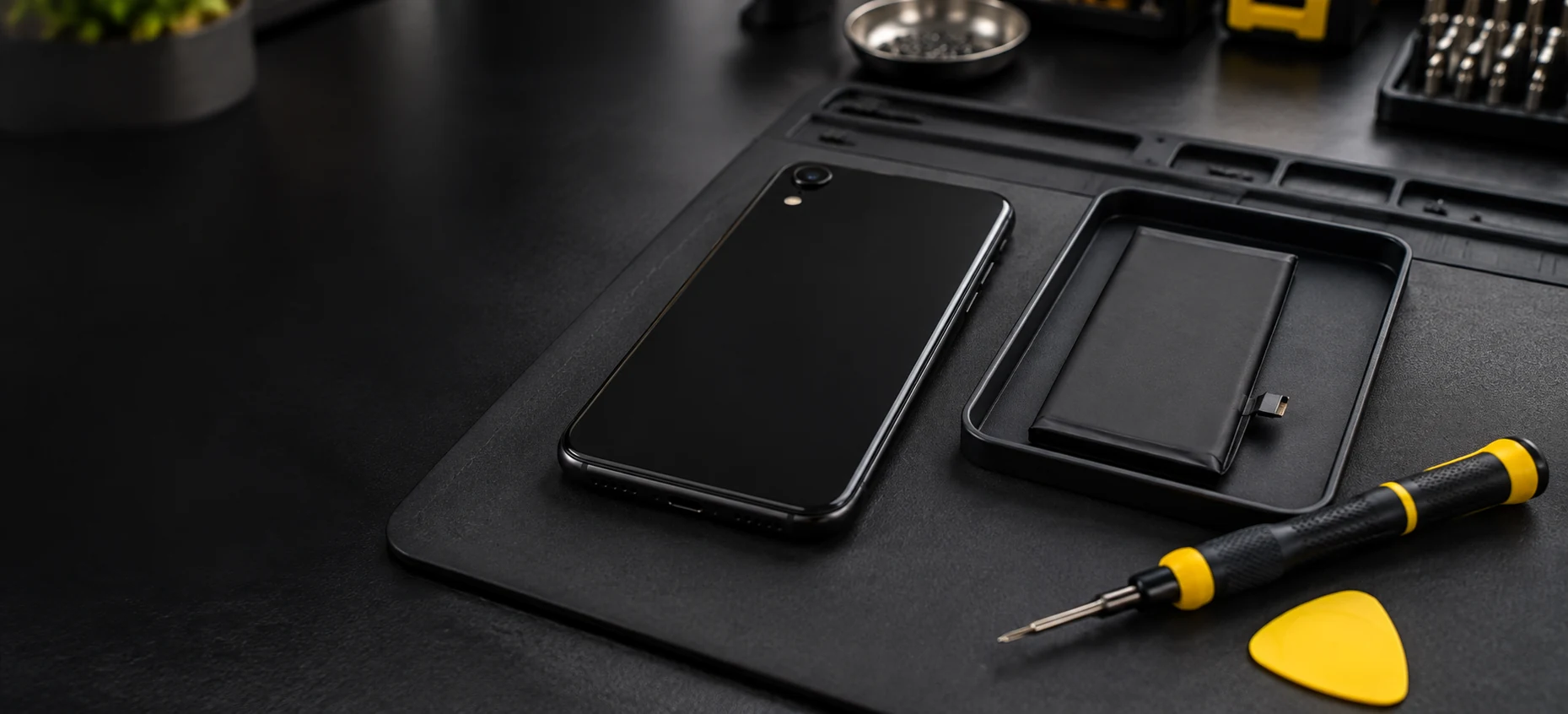
An iPhone battery replacement involves a sensitive internal lithium-ion component. Apple advises that a trained technician perform this work. This article helps you plan service; it is not a screen-opening or battery-removal tutorial.
Do not assume Apple's Self Service Repair program covers the XR. Apple's current guidance describes that program for specified newer models; check its model eligibility before buying tools or ordering parts through it.
If the screen is lifting, the battery appears damaged or the phone is unusually hot, describe that condition to the provider before proceeding. Do not press a raised screen back into place or attempt to puncture, bend or heat the battery.
How should you prepare your iPhone XR for service?
Follow Apple's service-preparation instructions and the appointment or shipping directions from your provider. Back up the phone first and confirm you can recover the information you need.
- Save the booking details and confirm the service location.
- Complete the provider's requested device-preparation steps.
- Follow the applicable Find My and Wallet instructions.
- Bring the items specified for the appointment or mailing.
- Arrange another way to receive essential calls while the phone is away.
Apple says not to give others your Apple Account password, passcode or account security details. If software support requires you to enter information, enter it yourself and remain present. Do not erase or ship the phone based only on a generic checklist; follow the instructions for the chosen service method.
What should you check after battery service?
Keep the receipt and review the battery information with the provider. Check charging, screen response, calls and the functions you normally use. Ask about anything that changed during repair and confirm the applicable warranty contact.
Compare runtime over normal use rather than expecting a particular number of hours from the first charge. Battery replacement does not resolve every app, charging or hardware problem. If the original symptom remains, report it with the service date and your observations.
For ongoing care, Apple's battery guidance recommends avoiding prolonged heat exposure. Follow the settings and charging advice that applies to the XR's installed software rather than instructions written for a different iPhone generation.
Frequently Asked Questions About iPhone XR Battery Replacement
Does a low battery-health reading mean immediate replacement?
It is a reason to review symptoms and seek an assessment. Capacity, service messages and actual reliability should be considered together.
Is iPhone XR battery replacement free?
Not automatically. Ask Apple or the provider to check any active coverage and give a current quote. Normal battery wear is not generally covered by Apple's limited warranty.
Can Apple still service my iPhone XR?
Check Apple's current service options for your location and device. Parts availability and the inspection result can affect what is offered.
Will changing the battery fix every charging problem?
No. Describe the fault and request an assessment before agreeing to the repair. Other hardware or usage issues may need attention.
Should I back up my phone before replacement?
Yes. Follow the provider's preparation instructions and verify your backup before handing over or mailing the device.
What does an Unknown battery message mean?
Apple lists several possible causes, including an unverified or malfunctioning part. Ask the repairer to explain the message and its warranty implications.
How is phone battery service different from other replacements?
The XR uses an internal rechargeable battery, while many watches and key fobs use small replaceable cells. Our Nixon watch battery guide and key-fob battery guide explain their separate planning checks.
Battery Guide's automotive ebook covers conventional car batteries, not iPhone repair. Use Apple or your selected phone repair provider for device-specific instructions and service.
Independent editorial information, not affiliated with Apple. Confirm current iPhone XR service availability and use a trained repair provider. The automotive ebook covers car batteries. Banner images are editorial illustrations.